


In 2008, I watched friends brick their iPhones.
They’d found a way to unlock capabilities Apple wouldn’t give them. Custom ringtones. Third-party apps before the App Store existed. Tethering when carriers said no. The jailbreak community was electric with possibility. Forums buzzed with tutorials. Everyone knew someone who’d gotten their phone to do something miraculous.
Everyone also knew someone who’d turned their $600 device into a paperweight.
The trade was always explicit, even if nobody wanted to say it out loud: you’re exchanging security for capability. You’re trusting code from anonymous developers with handles like “Geohot” and “Comex” because they promised your phone could do more. Most of the time, it worked. Sometimes, it didn’t. And when it didn’t, you were on your own.
I’ve been watching the Moltbot phenomenon this week with an unsettling sense of recognition.
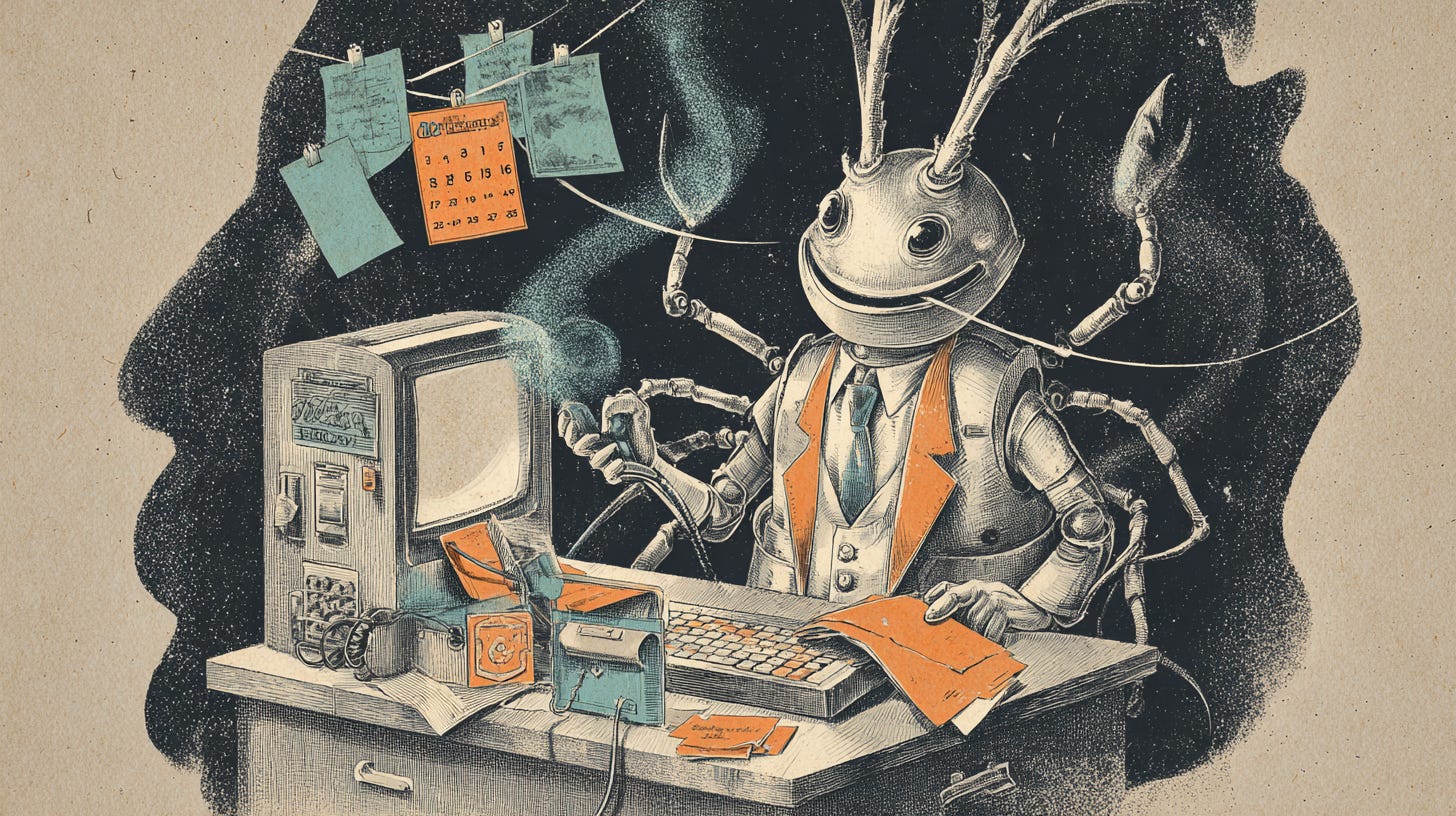
If you haven’t encountered it yet, Moltbot (originally Clawdbot, before Anthropic’s lawyers got involved, now rebranded again to OpenClaw) is an open-source AI assistant that went from zero to 44,000 GitHub stars in roughly two weeks. The pitch is seductive: an AI that “actually does things.” It manages your calendar, responds to emails, books restaurants, checks you into flights. You control it through WhatsApp or iMessage. It runs on your local machine. It remembers everything across sessions.
The developer community is losing its mind over this. Cloudflare’s stock jumped 14% on the buzz alone. Twitter threads overflow with people showing off what they’ve automated. The productivity crowd has found their new religion.
And Google’s VP of Security Engineering is publicly warning people not to install it.
Heather Adkins isn’t prone to hyperbole. When she says “don’t run Clawdbot,” citing researchers who’ve described it as “infostealer malware disguised as an AI personal assistant,” that’s worth pausing on.
Here’s what’s actually happening: Moltbot represents a genuinely impressive technical achievement that also happens to be architecturally designed to be exploited.
To do its job, Moltbot needs access to your files, your credentials, your browser, your shell. It needs to execute commands on your machine with minimal friction. It stores your API keys and passwords in plaintext Markdown and JSON files. It accepts instructions through WhatsApp messages, which means any message in your inbox becomes a potential attack vector.
And it has persistent memory.
That last piece is what separates this from the jailbreak era. When you jailbroke an iPhone, the risk was largely contained. You might brick your device. You might expose yourself to malware. But the blast radius was your phone.
Moltbot’s persistent memory changes the game entirely. Security researchers at Palo Alto Networks have identified what they call “time-shifted prompt injection” attacks. A malicious actor sends you an innocuous-looking WhatsApp message. The payload doesn’t execute immediately. It sits in Moltbot’s memory, fragmented and benign-looking, until conditions align. Then it assembles and detonates.
This isn’t theoretical. Researchers have already found hundreds of Moltbot instances with unauthenticated admin ports exposed to the open internet. Someone uploaded a malicious skill called “What Would Elon Do?” to the official skill repository and artificially inflated it to the #1 position. When Cisco’s security team analyzed it, they found nine security issues including active data exfiltration, direct prompt injection to bypass safety guidelines, and embedded command injection.
The supply chain is already being poisoned.
The developer, Peter Steinberger, seems like a genuinely well-intentioned person who built something for himself and discovered other people wanted it too. He’s been transparent about the security trade-offs. He’s actively working on the problem. None of that changes the fundamental architecture.
Here’s the uncomfortable truth that the productivity influencers aren’t telling you: running Moltbot safely right now means running it on a separate computer with throwaway accounts. Which defeats the entire purpose of having an AI assistant manage your actual life.
Already Installed It? Here’s What to Check
If you’ve already set up Moltbot and you’re reading this with a sinking feeling, here’s your triage checklist:
Immediate concerns:
Check your admin port exposure. By default, Moltbot listens on port 8080. Run
netstat -an | grep 8080(Mac/Linux) ornetstat -an | findstr 8080(Windows) to see if it’s listening on 0.0.0.0 (exposed to the network) versus 127.0.0.1 (local only). If it’s the former, you’re broadcasting an open door to the internet.
Audit your stored credentials. Moltbot stores secrets in plaintext Markdown and JSON files. Search your Moltbot directory for files containing API keys, tokens, or passwords. These are sitting unencrypted on your disk, accessible to any malware that lands on your machine. Security researchers specifically noted these files are “easy pickings” for commodity infostealers like RedLine, Lumma, and Vidar.
Review your installed skills. Check what skills you’ve installed from the community repository. If you installed anything in the past two weeks that seemed popular, verify it against known-malicious lists. The “What Would Elon Do?” skill was the #1 ranked skill while actively exfiltrating data.
Signs of compromise:
Unexpected outbound network connections, particularly to unfamiliar domains
Commands executing that you didn’t initiate
Changes to files you didn’t make
New processes spawning from the Moltbot runtime
If you suspect compromise:
Isolate the system from your network immediately
Revoke every credential Moltbot had access to. All of them. Assume they’re burned.
Check for persistence mechanisms, Moltbot skills can register themselves as system services
Don’t just uninstall. Wipe and restore from a backup predating the installation if you have sensitive data on the machine.
If you want to keep using it:
Move it to a dedicated VM or VPS with no access to your real accounts
Use throwaway credentials for everything
Firewall the admin port
Disable the skill system entirely if you can’t audit every skill you install
Accept that you’re running an experiment, not a production tool
I understand the appeal. I felt it too, watching the demos. After years of AI tools that felt impressive but didn’t actually do anything, here’s one that does. The gap between capability and security has always been where the early adopters play.
But the jailbreak era taught me something. The people who got burned weren’t the careful ones running test devices in controlled environments. They were the ones who saw everyone else having fun and figured the risk was overblown. They were the ones who didn’t understand what they were trading until it was already gone.
Moltbot isn’t malware in the traditional sense. It’s something more complicated: genuinely useful software that makes you fundamentally vulnerable by design. The more useful it becomes, the more access it needs, and the more dangerous that access becomes when (not if) something goes wrong.
The jailbreak era eventually ended. Apple opened the App Store. Carriers relaxed. The capabilities we wanted got absorbed into the official channels with actual security review.
The same thing will probably happen with AI agents. The enterprise players will catch up. The guardrails will get built. The wild west will get civilized.
The question is what happens to the early adopters in the meantime.
I remember when we traded security for capability. I remember it being fun until it wasn’t. And I remember that the people who got hurt were always the ones who didn’t understand the trade they were making.
Now we’re doing it again, with tools that have access to everything.
At least the jailbreakers only risked their phones.